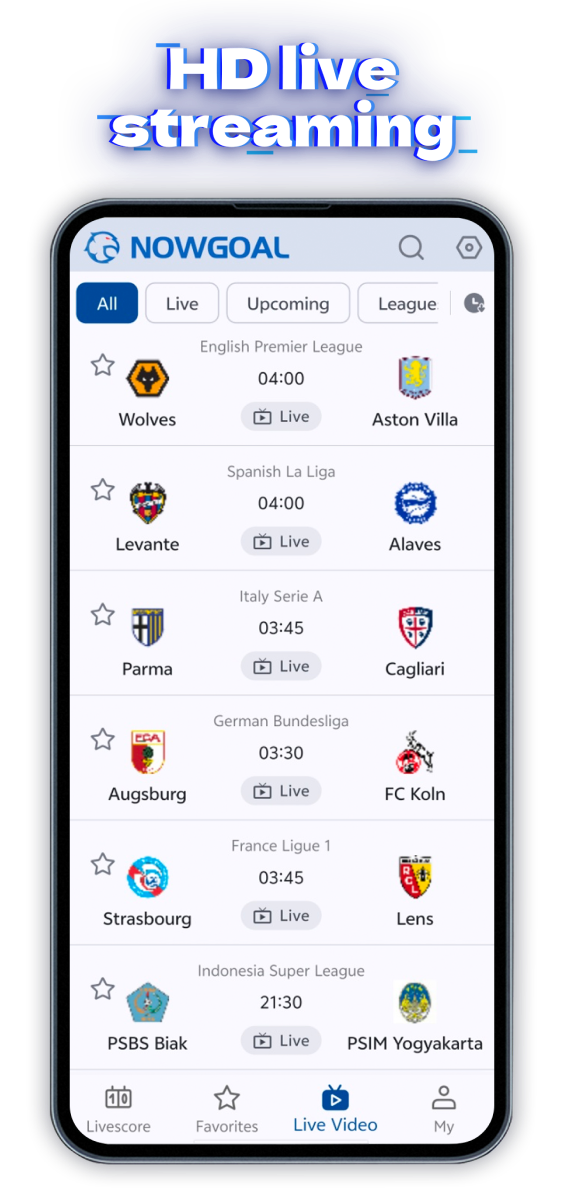
Since Google Play does not allow our app to use certain key features such as live match video
streaming, we recommend downloading the original version. Simply follow the steps below to complete the
installation in just a few moments.
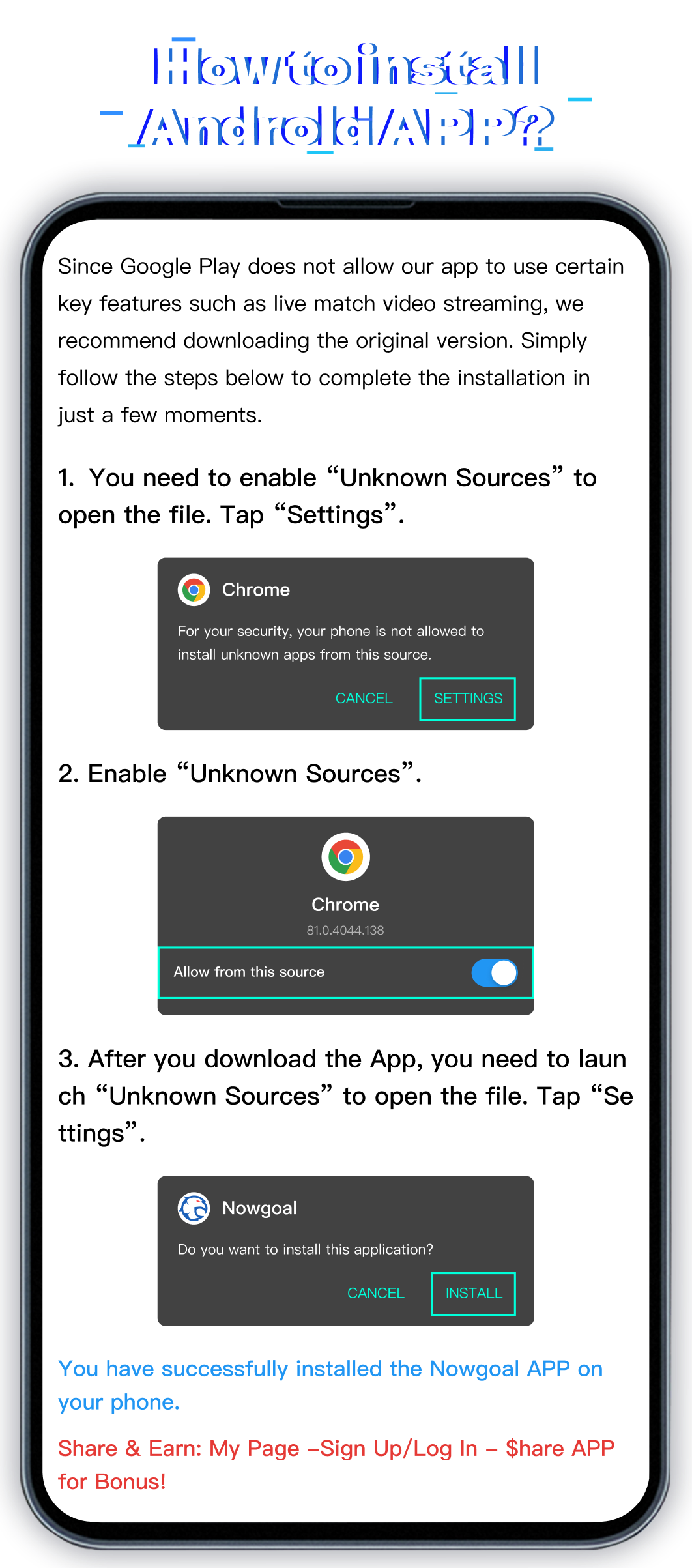
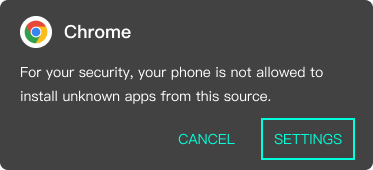
1.You need to enable “Unknown Sources” to open the file. Tap “Settings”.
2.Enable “Unknown Sources”.
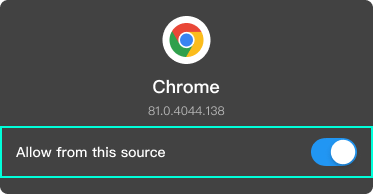
3.After you download the App, you need to launch “Unknown Sources” to open the file. Tap “Settings”.
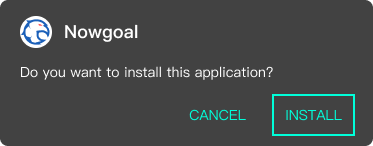
You have successfully installed the Nowgoal App on your phone.
Share & Earn: My Page - Sign Up/Log In - Share APP for Bonus!

 How to install Android APP?